How to Check an XRP Ledger Destination Tag Before a Deposit
Learn when an XRP deposit needs a destination tag, how to match the tag to the receiving address and what to check if the deposit does not appear.
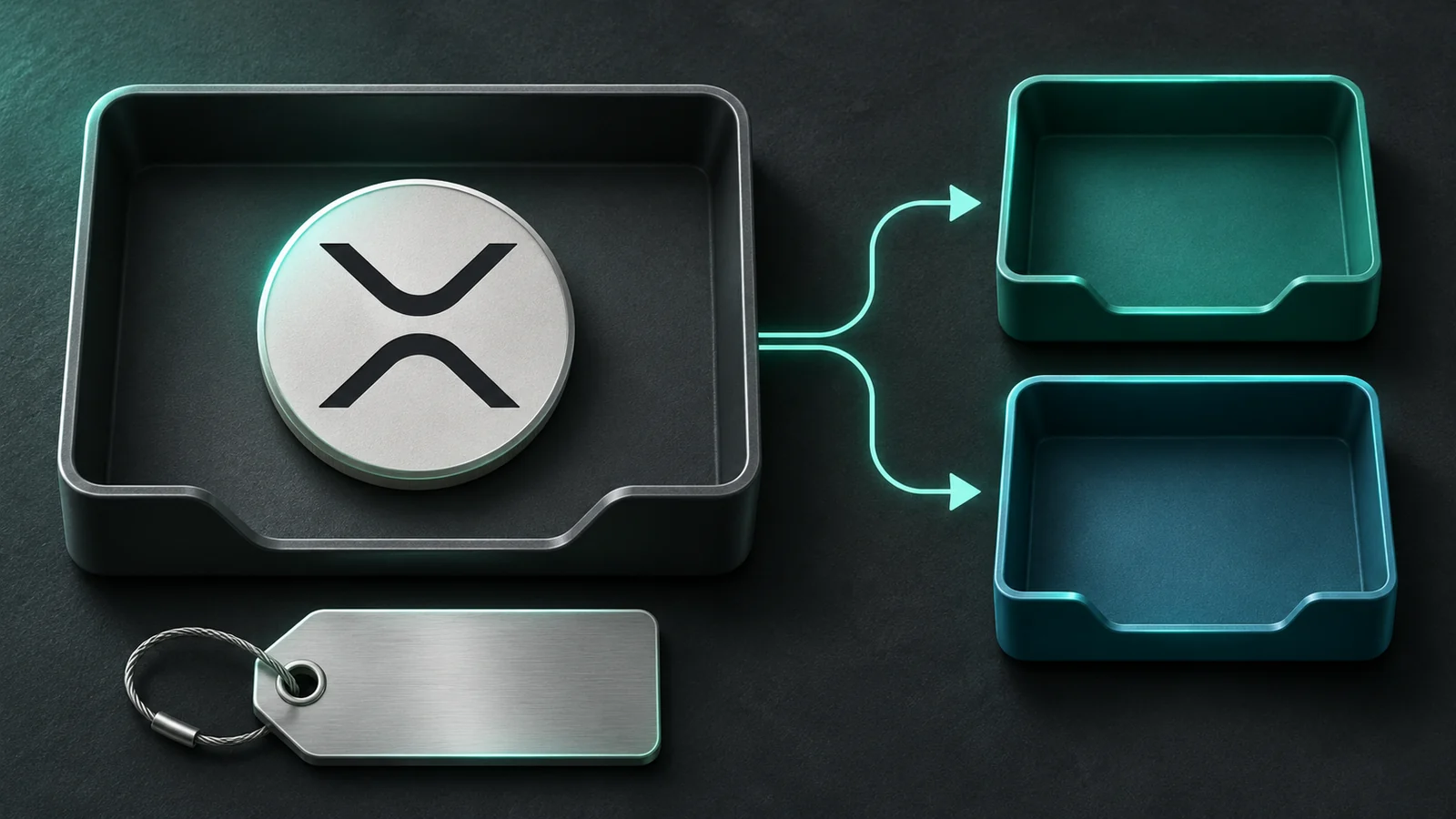
An exchange can give two customers the same XRP deposit address and a different destination tag for each. The address gets the XRP to the exchange’s ledger account. The tag tells the exchange which customer to credit. If your deposit instructions include both, checking only the address leaves half the job undone.
This guide covers native XRP on the XRP Ledger main network. You can compare the receiving instructions with the sending form without connecting a wallet, signing anything or making a test payment.
1. Read the receiver’s deposit instructions
Open the receiving account or order through the service’s official interface. Confirm it lists XRP and the XRP Ledger as the asset and network. Make sure the sender supports that same combination. Keep the current receiving address and its tag together; a tag copied from a different deposit screen or account may be valid as a number but wrong for your payment.
The XRP Ledger documentation describes a destination tag as a 32-bit unsigned integer that helps a recipient process a payment outside the ledger. It is distinct from the source tag, which identifies something about the sender’s side of the payment. On the receiving service’s deposit instructions you are looking for the destination tag specifically, even if an interface calls the input a memo or payment ID.
Kraken’s XRP deposit documentation is a concrete example: it says the address is shared and the generated tag is mandatory for assigning a payment to a Kraken customer. That is the receiving service’s rule. A different recipient may supply an address without a tag, or provide the address and tag together in a different format.
2. Match the address format to the sender’s fields
If the recipient provides a classic address and a separate tag, compare each item with its own field on the sending form. The tag belongs in the destination-tag field used for the XRP Ledger payment. It is not the amount, part of the classic address or a message to type into an unrelated free-text note. If the sender cannot provide the field the recipient requires, stop before signing and check both services’ official guidance.
The XRP Ledger also documents the X-address format, which can encode a classic address and its tag together. Use a combined address only if the sender supports that format for this route. If the form accepts only a classic address with a separate tag, obtain compatible instructions from the recipient instead of guessing how to split or rewrite the string. Do not add a second tag to a combined address without explicit instructions for that interface.
3. Review the pair before authorizing anything
For example, imagine a service tells two customers to use the same classic address. One sees destination tag 4072 and the other sees 4073. A payment sent with 4073 can reach the same ledger address as a payment sent with 4072. The service may associate the former payment with the other customer. These are illustrative values, not deposit instructions.
Compare the asset, network, complete address and tag with the current receiving screen. If a quote or order has an expiry or deposit conditions, review those separately. The tag identifies a payment for the receiver; it does not establish a fee, exchange rate, minimum deposit or time to credit. When no tag is shown, follow the receiving service’s explicit rule rather than substituting a number or reusing a previous tag.
4. Separate ledger confirmation from account credit
If you have already sent a payment, use the transaction hash to look up its outcome and the recorded destination address and tag. Some ledger accounts require a destination tag and reject payments without one. Where a tag is not enforced by the ledger, a successful transfer can still leave the receiving service unable to credit the intended customer automatically.
Check the service’s deposit status as well as the ledger record. Kraken’s missing deposit guidance includes the tag among the items to verify. If the address matches but the tag is missing or different, contact the receiver through its official support channel with the hash and the intended deposit details. A second payment cannot correct the first transaction. Recovery, if offered, depends on the receiving service’s policy and the facts of the payment.
GhostSwap’s Ethereum payout verification guide explains how that network records token transfers. Its coverage of stablecoin payment routes explains why the delivery network matters. Neither uses the XRP Ledger tag as a substitute for the recipient’s own deposit instructions.