How to verify a USDC payout on Ethereum
Check a USDC payout on Ethereum by matching the network, transaction status, token contract, recipient and amount before troubleshooting the wallet display.
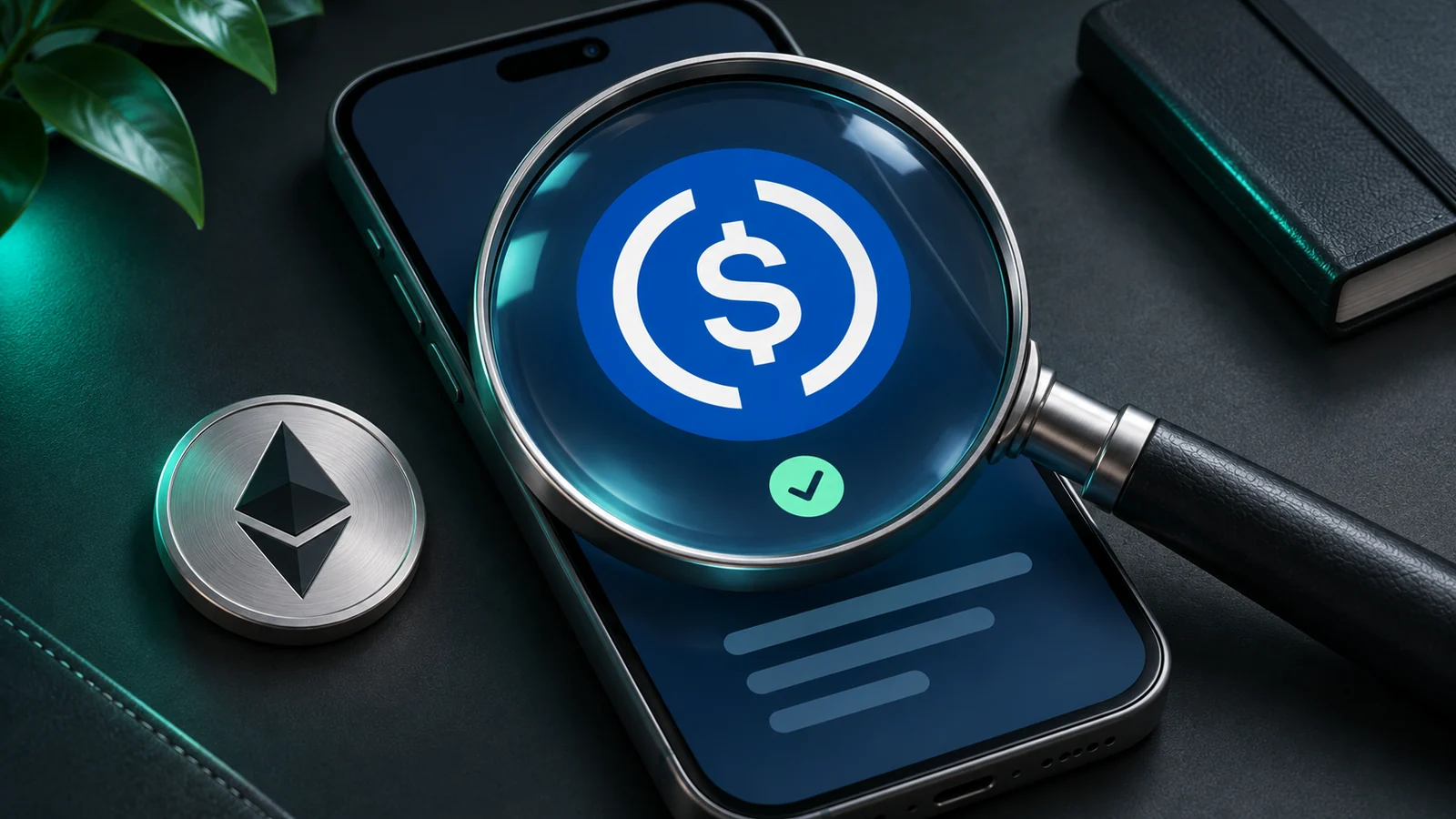
A swap can show a completed deposit while its payout is still missing from your wallet. To check a USDC payout on Ethereum, follow the destination transaction and verify what it actually delivered. A token name, a balance screenshot or a successful transaction on another network is insufficient evidence.
This guide covers an existing payout to an Ethereum Mainnet address. It is a read-only check: you do not need to connect a wallet to an explorer, approve a contract, sign a message or make another payment.
Before you start: collect the right records
Have the order reference, intended destination network, recipient address, expected payout amount and any destination transaction hash available. Keep the original order details separate from later messages claiming to be support. An order number identifies a service record; a transaction hash identifies a blockchain transaction.
If you have only the source deposit hash, ask the provider for the destination payout hash and its current order status. A source-chain receipt cannot demonstrate a destination-chain payment. GhostSwap’s reporting on the Chainflip service halt explains why a protocol interruption can leave those stages apart.
1. Confirm that the destination is Ethereum Mainnet
Read the network recorded in the order. Ethereum Mainnet, Base and Arbitrum One are separate networks, even when an address has the same familiar 0x format. Do not infer the destination network from that format or from the USDC ticker.
Circle’s contract directory lists USDC separately for each supported blockchain and distinguishes mainnet from testnet. Open the Ethereum Mainnet explorer, Etherscan, for an Ethereum payout. If the order specifies another network, stop using this Ethereum checklist and use that network’s verified explorer and token details instead.
2. Look up the payout hash and read its status
Paste the destination hash into Etherscan’s search. Its transaction-hash documentation explains the status, block and timestamp fields. Check that the timestamp is consistent with the payout you are investigating; an unrelated older transfer is not your receipt.
A pending transaction has not yet established successful execution. A failed transaction does not establish the intended payment either. If no record appears, first recheck the copied hash and selected network, then ask the provider to reconcile it. Do not invent a new payout by assuming that an order identifier is a transaction hash.
Success is only the first check. Ethereum’s transaction documentation explains that a transaction can call a contract and that its value field measures ETH. For a USDC payment, a displayed value of zero ETH therefore does not, on its own, mean that no tokens moved.
Inclusion and finality are also different stages in Ethereum’s documented lifecycle. Check the block’s confirmation or finality information, and the receiving service’s acceptance policy. A Success label alone should not be treated as proof that every settlement requirement is satisfied.
3. Match the USDC contract and the actual recipient
Inspect the token transfers associated with the payout. Etherscan distinguishes these from ordinary ETH transactions in its transaction guide. Compare the full recipient address in the relevant USDC transfer with the address saved in your order, not just a shortened preview.
Then compare the token contract with Circle’s Ethereum Mainnet entry:
0xA0b86991c6218b36c1d19D4a2e9Eb0cE3606eB48
This identifies Circle’s USDC token on Ethereum; it is not your receiving address. A matching name or blue token icon cannot substitute for the contract check. Use Circle’s current directory as the reference rather than copying an address from an unsolicited message.
Finally, match the token amount with the order’s applicable payout terms. Keep the quoted output, any later accepted revision and the actual transfer amount distinct. A difference needs an explanation from the order record; it should not automatically be labelled a network fee.
4. Separate delivery from the wallet’s display
If the successful transfer shows the correct token, recipient and amount, you have evidence of that on-chain delivery. A wallet interface can still omit a token. MetaMask’s token-display documentation describes automatic detection and manual addition by contract address. First check the account and network you are viewing; use the wallet’s own instructions if a display correction is needed.
For an exchange or custodial account, a blockchain payment and an account credit are different records. Check that provider’s supported network and deposit requirements. GhostSwap’s coverage of Samsung Wallet’s USDC account offers context on why custody and product limits also matter.
Use the result to ask a precise support question
For example, suppose an order promises 250 USDC on Ethereum. A successful Ethereum transaction transferring 250 units of Circle’s listed USDC to the exact order address supports delivery. The same amount sent to another address, a different token labelled USDC, or a receipt on Base does not establish that promised payout.
Send support the order reference, network, payout hash and the specific mismatch through the provider’s official channel. Never include a seed phrase or private key. A missing transfer needs investigation, not an unsolicited “unlock” payment. These checks narrow the problem; they cannot reverse a transfer, establish account ownership or guarantee recovery.